Blog

14 December 2009

Learning Centers- Learn more about using Linkedin, Twitter, and Facebook

Posted in Social Media

learning-center

Photo by Honou
Flickr, CC

Where to go when you need more info?

Did you know that most web platforms have learning centers that teach you how to use their product/ or service? The longer the venture has been around the more likely you are to see some great tutorials, tips and techniques on how to use them. Even if you have a good grip on the platforms you can still learn something from these guides, or even better, share them with your less savvy coworkers to get them on board with your social media strategy. Here is a preview of what some of the big three in the social media have to offer.


Linkedin Learning Center

http://learn.linkedin.com/

Linkedin has some great features and is probably the most under utilized social network when compared to Twitter and Facebook. Linkedin's Learning Center provides guides for a variety of different types of users, such as: consultants, job seekers, entrepreneurs, attorneys, journalists, and more. If you're not especially Internet savvy, then you might want to start with the Training page where you can browse presentations based on different training "modules," or you can sign up for one of their free weekly webinars.

Twitter 101

http://twitter.com/Twitter101

Twitter launched their learning center a few months back, and while it is focused on supporting business, it provides an excellent resource for anyone new to the Twitterverse. The guide starts by getting you off the ground with lingo and techniques, then supports you with best practices and case studies.You can also download the slides or browse books on the topic. We have a link to the slideshow in our blog here.

Facebook Help

http://www.facebook.com/help

Facebook has a bit of a different approach to a learning center. If you know what you'd like help with, then Facebook makes it very easy to select the area you need help with, but if you are just getting started or want some more in depth training, then you might come up a bit short in tutorials. That's okay there are plenty of blogs, video series, and webinars that cover more indepth training.

09 December 2009

How to stay up to date with Cop15

Posted in Social Media

copFollow the Copenhagen Climate Conference with Social Media

Cop15, the United Nations Climate Change Conference is underway, and for the next two and a half weeks (Dec. 7th- Dec. 18th) people all over the world will be watching and participating in the monumental conference, in person and virtually. Over the last year, we've seen the social web really thrive for events and conferences, making it easier to attend from a far. You too can get connected and participate, so here are some of the ways you can receive news, get in the live action, and learn more about the conference.


COP15 on Twitter
Follow the conference on Twitter and get real time update from folks at the conference and abroad.

  • Follow @Cop15 for news updates
  • Follow the #cop15 conversation at OpenBrands.org (an Earthsite Lab project) and receive a meta stream of information on the event.

COP15 on Facebook
Become a Fan on Facebook.

  • Receive updates in your Facebook News Feed facebook.com/cop15
  • Share and participate with the conversation on the wall.

COP15 on YouTube
View videos, comment and upload your own questions to participate.
  • Participate in a CNN/YouTube debate live from your living room.
  • Submit a question and/ or vote on someone elses.
  • Go "Behind the Scene"

COP15 on Google Earth

  • Download the file and take the interactive tour with Al Gore.


COP15 on Flickr
An "unofficial" channel, hosted by the Guardian.co.uk, with already 27 members in the group we should be seeing some great photos of the conference.

  • Check out the photos, and if you're at the conference, join the group and share your photos.


Check out the official website at: http://en.cop15.dk/

02 December 2009

Get found! A look at increasing your brand's searchability on the web

Posted in Social Media


antenna
Photo by °Florian (Flickr CC)

How do people find out about you or your brand on the Internet? Do they Google it? Bing you? When it comes to getting your brand seen online it is important to understand how people can find you, so that you can make sure that you are optimizing the strength of your presence online. Most people will find you by:

Searching through a search engine:

1. Names- Someone knows your brand and uses a search engine like Google, Yahoo, or Bing to find you by name.
2. Keywords- Someone is looking for your products or services, but may have never heard of you by name.

      Through a Referral:

      1. Direct Links (control)- They're visiting one of your web properties and their clicking on a link to another one of your web properites. Includes:
        • Email marketing/address linking
        • IM/chat,
        • social links
      2. Random (no-control)- Your brand, product or service emerges from being shared, publicizied or mention. Includes:
        • Blogs,
        • retweets,
        • walll posts and comments
        • podcasts

      You can see that there are three areas you have control over: Names, Keywords, Direct links (Okay sure, you can control the "random" section also, but I'm not going into detail on that in this post. I'll save those for another day). To get more visits to your website or other web property, you need to take a look at how they are searching for you, and note that not every search engine is the same. Google, for example, uses a calculation which measures over 200 factors! For comparison, Twitter's Find People search engine only searches a Twitter accounts "name" field.

      Note: Facebook's Page Search only searches the title field.

      Since not every search engine is the same, prioritize which search engines you want to optimize your results in; research and test what fields they search, then analyze how you have filled out those fields. You'd be amazed to find out how many people fail to include the vital stuff that will increase your searchability.

      For referrals, make sure your site is easy to share and that you are promoting your social links in relevant places. You can do thinks like claim a nice and tidy url like a Facebook vanity url (Short urls make it very easy to recreate by memory or by a copy and paste). Interlinking your social networks make it easier for your audience to navigate between web properties which is especially important for the people that might not be on Twitter, but are always on Facebook.

      So now you know a little SEO, search engine optimization. I encourage you to continue to explore how people are finding you and be proactive in making it easier for them to do so.

      30 November 2009

      What would a college course in social media look like? (Caution! Homework)

      Posted in Social Media

      Humm.. what would I teach if I taught a social media course?? (Dream sequence-- engage!)
      .......... . . . . . . . . . . . . . . . . . . . . . . . . . . . . . . . . . .

      I. Overview - A historical look at communication

      This is nothing new, just louder and longer communication. This is the Sociology part of the class.
      Homework: Watch the TED Talk, Jeff Bezos on the next web innovation


      II. People -Different people have different tendencies on the web

      Not everyone reads blogs and tweets. This is the Psychology part of the class.
      Homework: Review the Social Technographics Profile Tool

      III. Mediums - A look at the hardware and software making social 2.0 possible

      Transportation has trains, planes and automobiles, Communication has Smart phones and netbooks. This is the operations part of the class
      Homework: Review The Conversation Prism, by Brian Solis

      IV. Concepts - Essential language to navigating the social web

      Digging, tagging, tweeting, commenting, and other nomenclatures. This is the Linguistics/ Foreign Language part of the class.
      Homework: Watch Social Media in Plain English, by Leelefever

      20 November 2009

      Remember when ads tried to get us to buy a product?

      Posted in Social Media

      old-spiceI came accross this ad (left) in a magazine recently. Although it's for a product I have zero interest in (Old Spice), I felt it was my duty to do some investigatory work by dialing the number in the ad. The funny thing is, if the number had been anywhere else in the ad, say at the bottom, I would have easily skipped right over it and kept flipping pages, but the ad was designed in a way that the number WAS the message. So I called it.

      The ad is just for deoderant and isn't really funny or entertaining. The recorded message, "for men press 1, for ladies press 2," is in general mildly disturbing, but who knows, it might sell some deoderant?

      Advertising liek this is not new or social, it's a traditional marketing tactic, but the trend it is pointing to is that people are going after interaction in their advertising. Call a phone number, visit a website, download the app, this is the new holy grail of advertising.

      Then- buy a product.
      Now- take an action.

      Going after actions and engagement is a wise idea. By taking action under the flag of a brand, product, or service, the brand, product or service can create a deeper impression than we're used to with traditional advertising messages, otherwise know as distraction marketing. With thousands of ads hitting our eyes, those that we feel compelled to take action on, become something more. So take notice when you see a brand reaching out for engagement in interaction you may be surprised at your reaction after you participate.

      19 November 2009

      Converse on Twitter without spamming your followers

      Posted in Social Media

      twitter-questionA lesser known feature on Twitter is the ability to chat back and forth with someone without sending those updates to all your followers. A semi-private replying is valuable, because many times a reply doesn't contain a lot of context, and the tweet would just lead to a lot of confusion about what the person was talking about. You could also send that person a direct message (DM), but with so many spam direct messages they seemingly are becoming less and less relevant.


      So here is how it is done:

      Simply reply to the person with their Twitter "handle" (@yournamehere) as the first characters in the tweet, then follow it up with any text as your reply.

      reply

      Using the reply, will ensure that your tweet lands in the other persons' reply "inbox" and out of your followers main stream, that is, unless they follow both of you. In that case you will then be able to view their conversation and join in if desired. Note: the tweet is still public and if someone lands on your profile page they will see these tweets. They will also come up in a Twitter Search as it is included in Twitter's "public timeline."

      In addition, when sharing something about that person to your followers, make sure you put some other text in front of their handle, like a RT (retweet), otherwise you'll hide the promotion from your followers.

      Send me a reply message by clicking here.

      <<  7 8 9 10 11 [1213 14 15  >>  

      Our Clients

      • Emile Noël
      • Sonoma Raceway
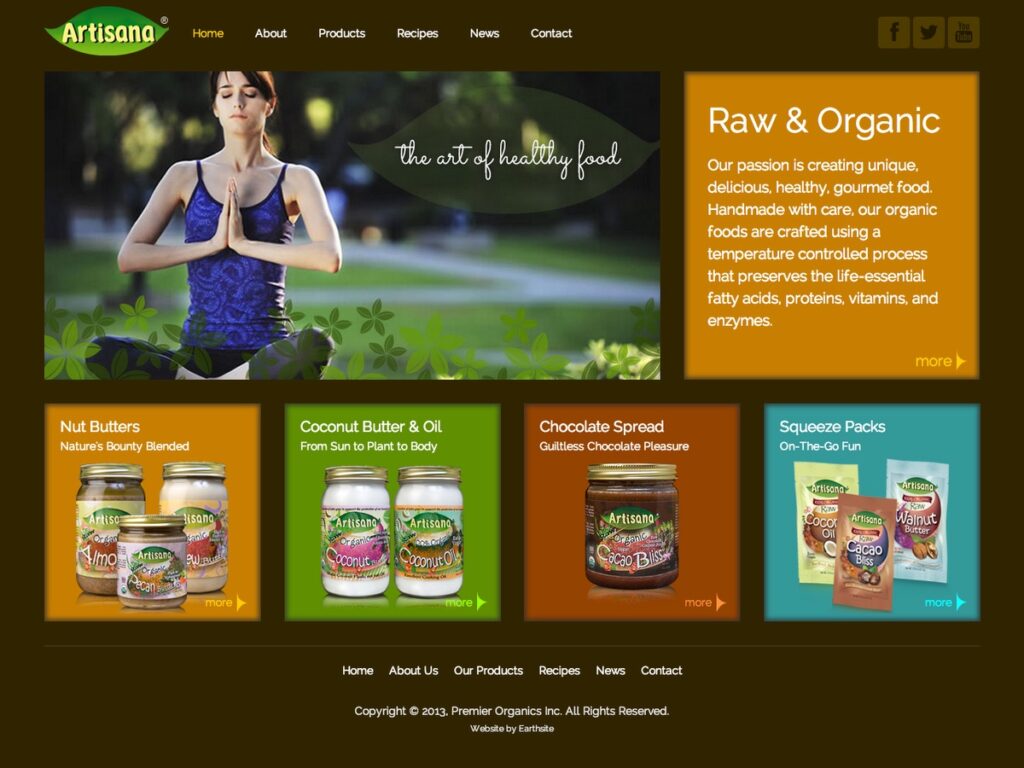
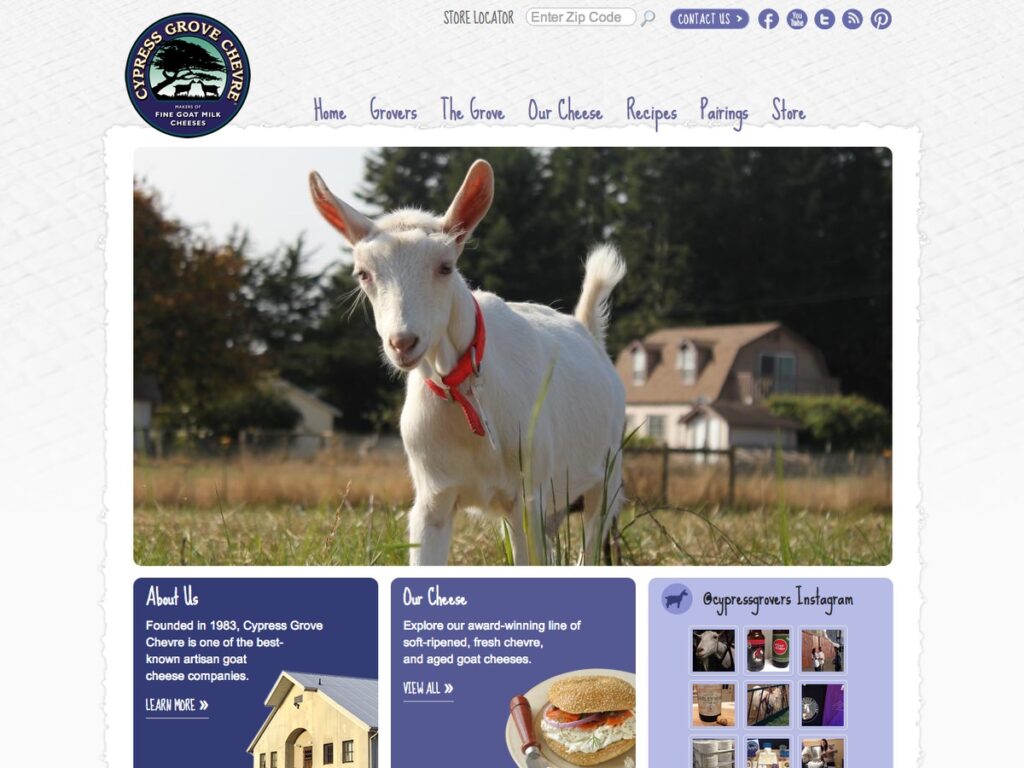
      • Cypress Grove Chevre
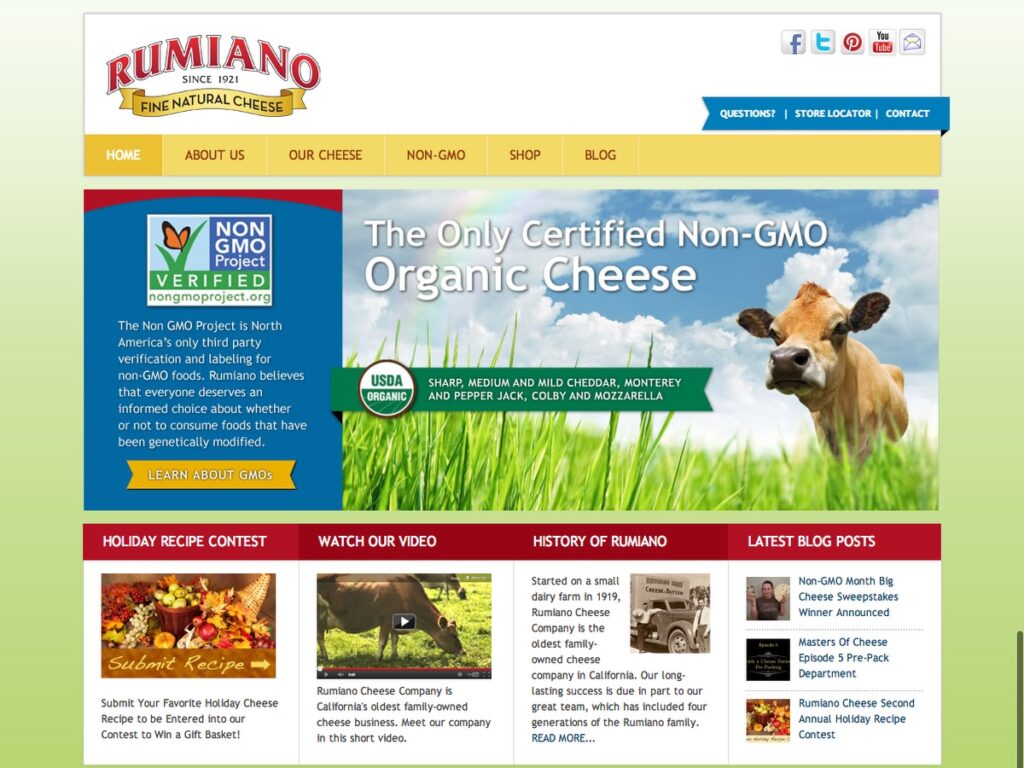
      • Rumiano Cheese
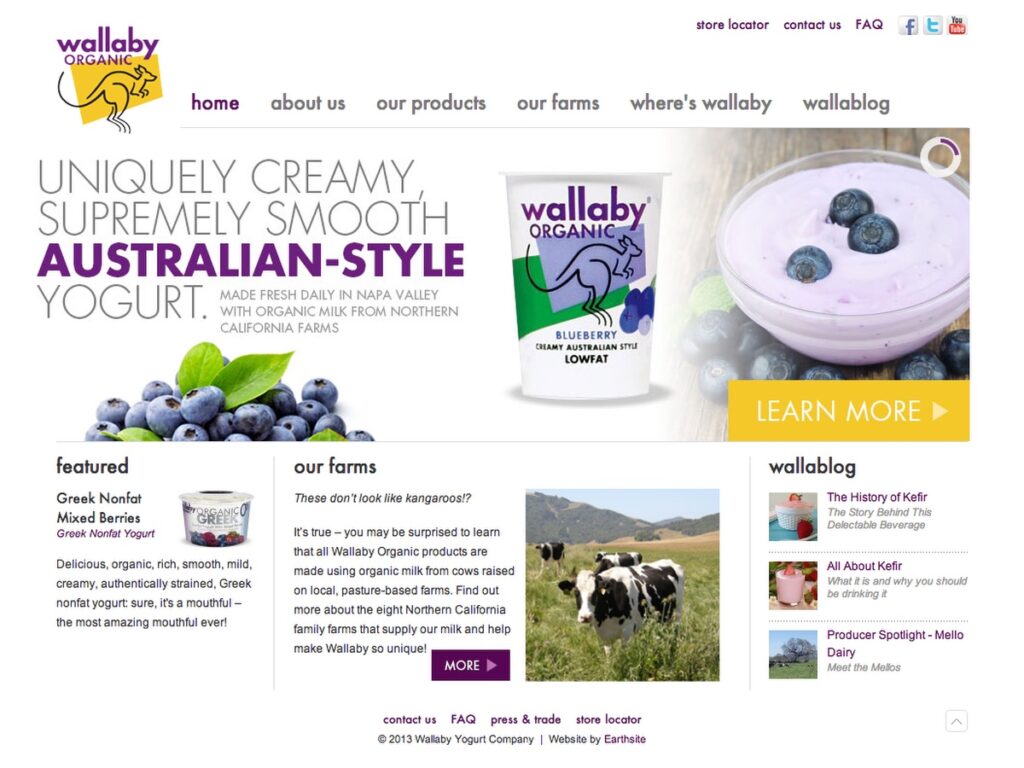
      • Wallaby Yogurt Company
      • WholeSoy Yogurt
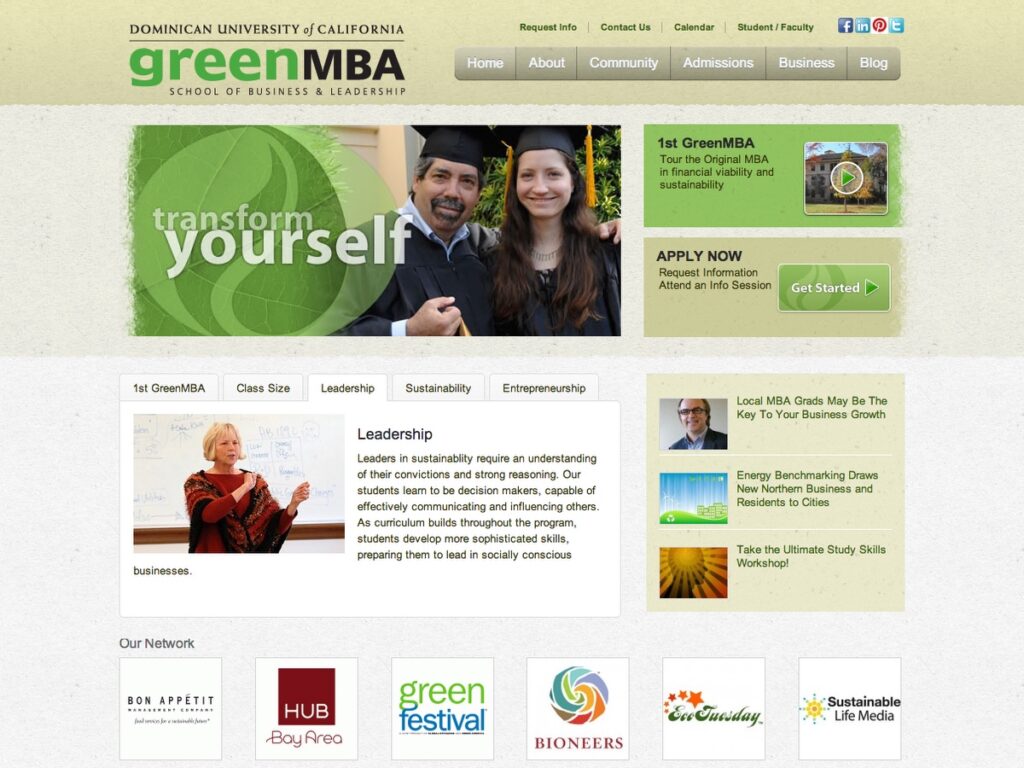
      • Dominican University of CA Green MBA
      • Dharma Merchant Services
      • Urban Forest Map
      • THREAD
      • Mina + Olya
      • TedxMarin
      • Simply Soy Yogurt
      • Yes on Proposition 39
      • Dominican University of CA
      • .green
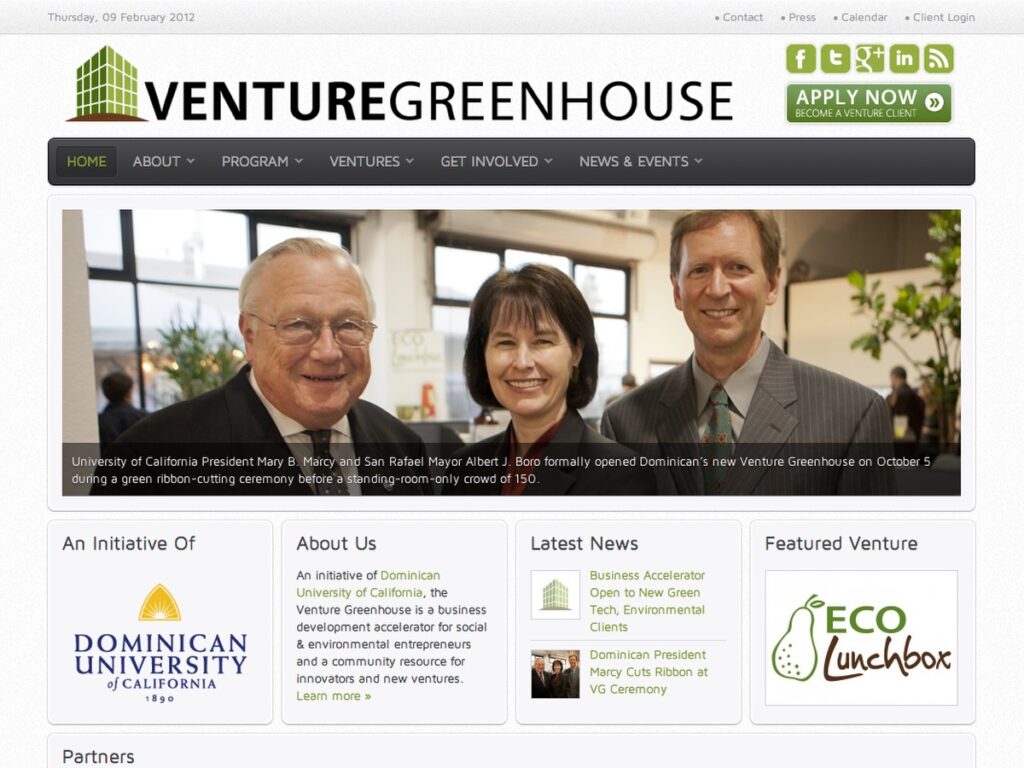
      • Venture Greenhouse
      • Flex Alert